
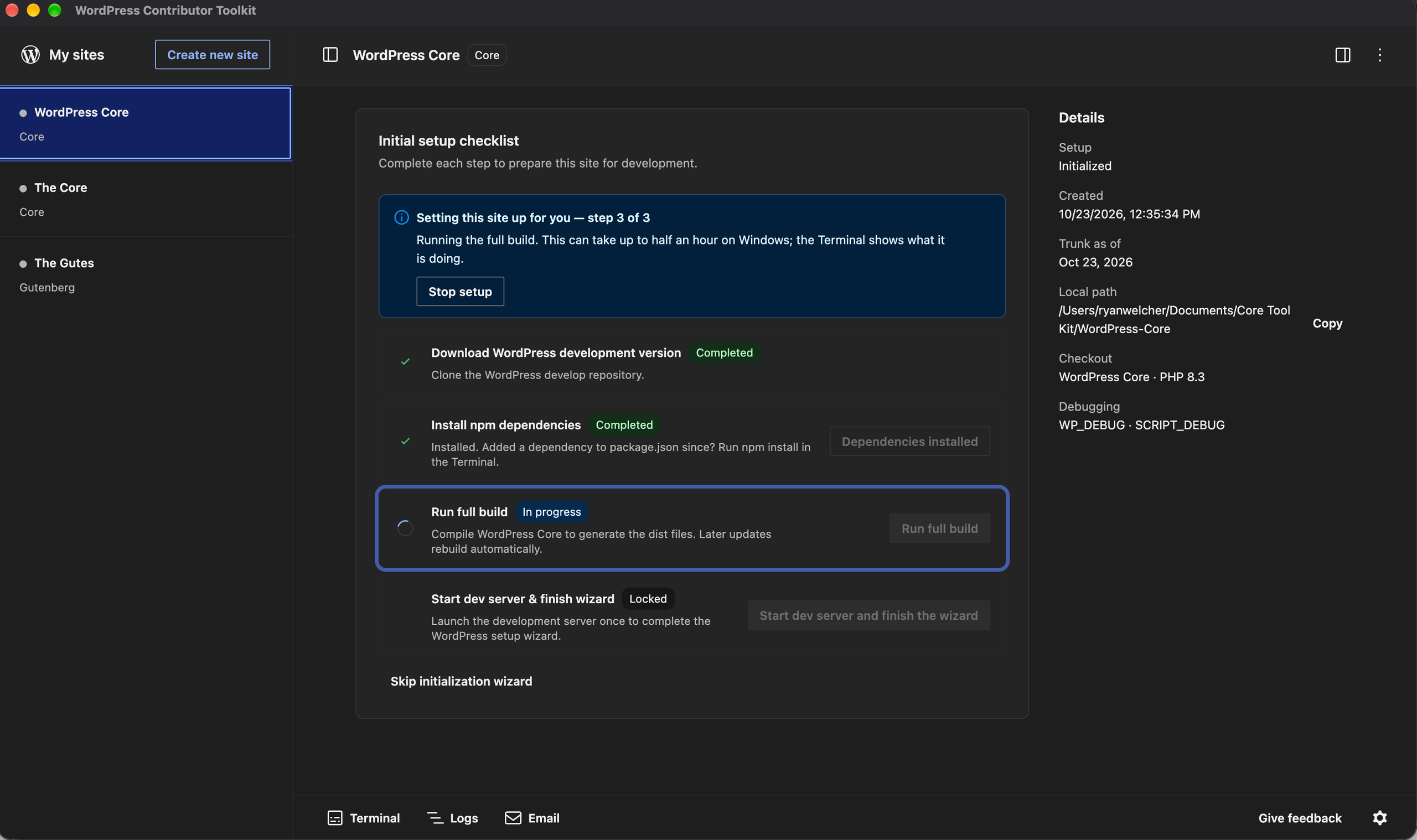
WordPress Contributor Toolkit 2.0 lowers the setup burden for contributing to WordPress Core and Gutenberg. The desktop app provides development and contribution workflows without requiring Git, Node.js, npm or Docker to be installed locally. Contributors can work from a Trac ticket through to submitting a patch or opening a pull request; Gutenberg support was added in version 1.2 and remains in place.
The release redesigns the interface around the WordPress Design System, bringing familiar editor-style buttons, notices and dialogs to the app. Practical adjustments include server-status indicators in the site list, labeled tray controls and clearer next actions on warnings. The changes matter particularly at Contributor Days, where reducing environment setup can help newcomers reach the contribution workflow sooner.
A new settings dialog centralises appearance, site and account options. Users can select light, dark, system-matched or custom themes, configure PHP and debugging flags, and control whether servers and build watching start automatically. PHP and debug changes take effect when a site’s server next starts. Interface strings are translatable, with ten languages available, while the Core and Gutenberg contribution workflows remain unchanged.
Author of the original text: Ryan Welcher (Make WordPress Core)