
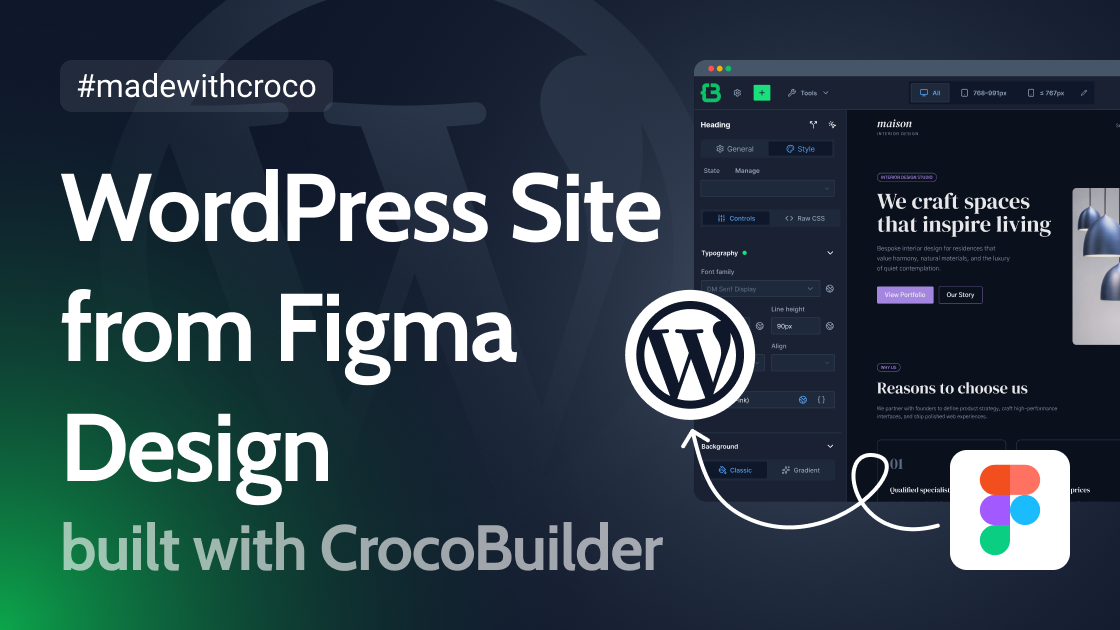
The text discusses the capabilities of CrocoBuilder, a WordPress plugin designed to convert Figma designs into functioning websites rapidly. It highlights that even users on the free plan of Figma can utilize CrocoBuilder to generate a complete website, inclusive of a design system and reusable components, within a short time frame. The guidance is presented through a practical example of connecting Figma and CrocoBuilder via the Framelink MCP, illustrating the steps involved in configuring the necessary connections and utilizing the tool’s features.
Current trends in the WordPress ecosystem indicate an ongoing transition towards AI-integrated solutions for web development, enhancing the efficiency of workflows and reducing the time financial and human resources demand in website creation. The significance of plugins like CrocoBuilder underscores an increasing emphasis on simplifying the design-to-development process, empowering designers to directly influence web outcomes without deep coding expertise.
From a technical perspective, the resource details the configuration settings required to establish connections between Figma, Framelink MCP, and CrocoBuilder. It delineates the importance of component-based architecture and the handling of design systems, emphasizing the integration of dynamic features alongside static content management. The outlined processes are relevant for developers seeking to optimize their design workflows and adopt a systematic approach to responsive web design employing WordPress.
Comprehensive documentation within the original resource provides actionable configurations and technical insights for those aiming to implement similar integrations in their development practices.
Author of the original text: Helena Ivanova (Crocoblock)