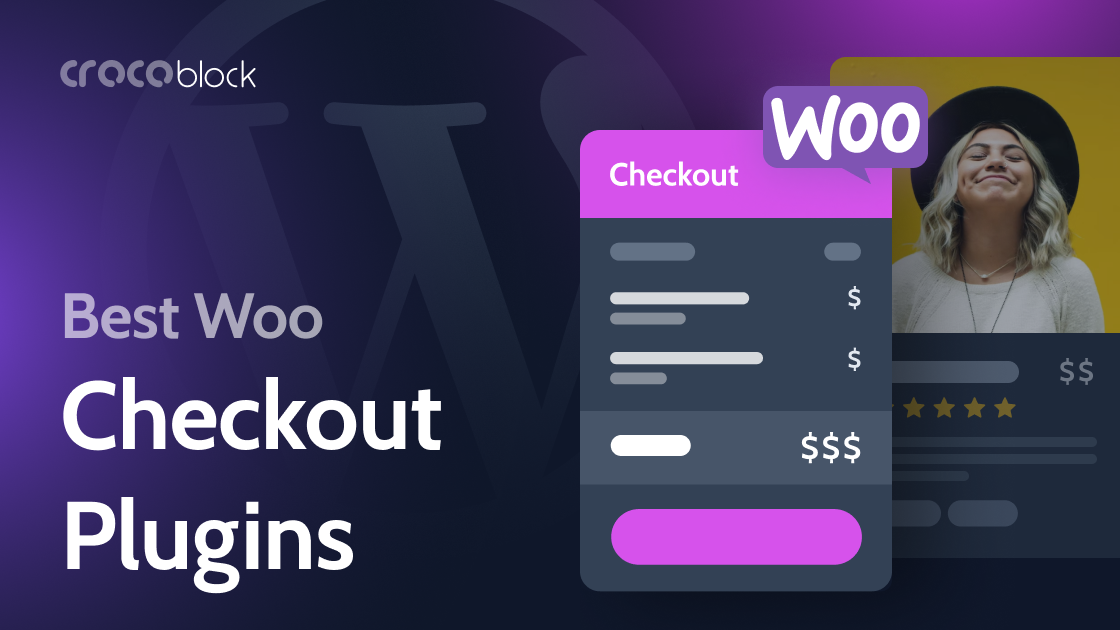
WooCommerce checkout plugins alter how shoppers move from product selection to order submission, either by redesigning the checkout interface or reducing the steps required to pay. In WordPress, these tools extend the store’s existing cart and checkout functions; their practical value depends on whether the change suits the products, customer journey and site design.
Elementor-based builders such as JetWooBuilder and ShopEngine let site managers assemble checkout layouts and modify fields without coding. JetWooBuilder provides widgets for billing, shipping, payment details, coupons and order review. ShopEngine adds multistep checkout and Quick Checkout options. Other plugins change the purchasing flow: Instant Checkout for WooCommerce offers a side cart, while WordPress WooCommerce One Page Checkout allows purchases from product or catalogue pages and supports saved shipping addresses.
These approaches involve different trade-offs. A redesigned page offers control over presentation, while a side cart or direct checkout focuses on shortening the route to payment. Field changes and address handling should be tested alongside the store’s payment and shipping setup to ensure orders remain complete and checkout remains usable. Plugin descriptions alone do not establish security compliance or improved conversion rates, so those requirements need separate verification before deployment.
Author of the original text: Mikhailo Fashchevskiy (Crocoblock)