
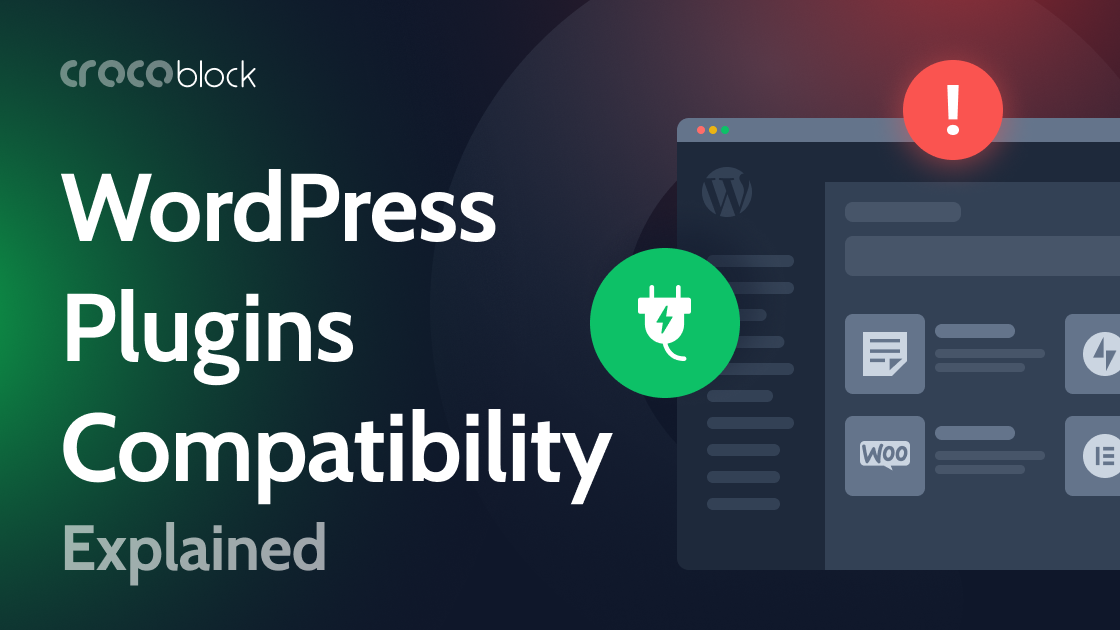
WordPress plugin conflicts arise when components depend on incompatible versions of WordPress, PHP or shared JavaScript libraries, or when their code interferes. A theme or plugin may overwrite another plugin’s filter, suppress an event handler with preventDefault() or stopImmediatePropagation(), or rely on scripts loading in a particular order. Caching, optimization and CDN layers can alter that order, leaving forms, page elements or entire pages malfunctioning.
These failures can appear after an update, but avoiding updates is not a safe remedy: outdated code can create security and compatibility risks. Reinstalling a plugin helps only when its files are damaged or an update was interrupted; it cannot resolve a conflict between otherwise functioning components. Plugin selection therefore benefits from checking maintenance history, PHP requirements, changelogs, active installations and support responses. Using products from fewer vendors may also reduce the number of coding conventions and release schedules involved, though it cannot guarantee compatibility.
A controlled update process limits disruption. Test plugins, themes and major WordPress releases on staging, apply changes in small batches, and retain automatic core security and minor updates where appropriate. WordPress’s Site Health screen reports the server’s PHP version; the supplied guidance recommends PHP 8.3 or later and a 768 MB memory limit. Documentation and changelogs help identify dependencies before installation, while staging makes it easier to isolate a failure before it affects the live site.
Author of the original text: Alexander Bulat (Crocoblock)