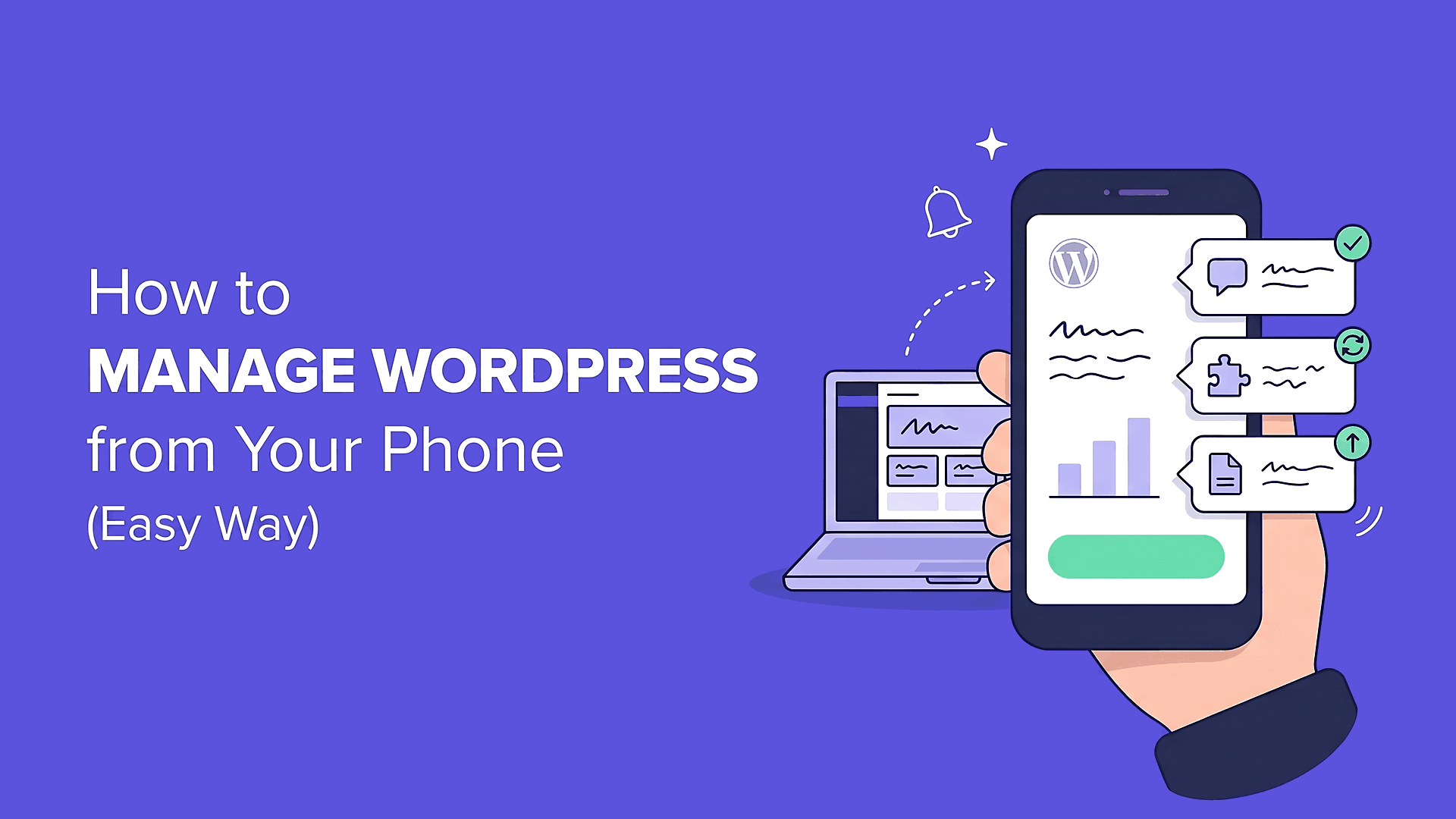
WPVibe connects a WordPress site to AI assistants such as Claude or ChatGPT through the Model Context Protocol (MCP). Once authorised, the assistant can interpret plain-language requests and perform supported site-management actions, including checking plugin updates, editing pages and scheduling posts. The setup requires a plugin, so it is available on self-hosted WordPress and WordPress.com plans that allow plugin installation, but not on free WordPress.com sites.
The integration fills a gap between the official WordPress app, which is suited to writing posts and replying to comments, and the mobile browser, where wp-admin’s full interface can be awkward to use. WPVibe uses a WordPress Application Password rather than requiring the site’s main login credentials. In Claude, the connector is selected from the directory and authorised by email; mobile connector installation is still identified as a beta feature. A computer remains more suitable for building a site design from scratch.
A read-only request to list connected sites provides a cautious first connection test. More consequential tasks need safeguards: a plugin update should follow a backup, and tool-call limits can affect completion. WPVibe’s free tier allows 100 calls per day, while its $99 annual Pro plan allows 500. In a documented test, updating 45 plugins was estimated to require 136 calls; the process updated 43 before an individual failure stopped it.