
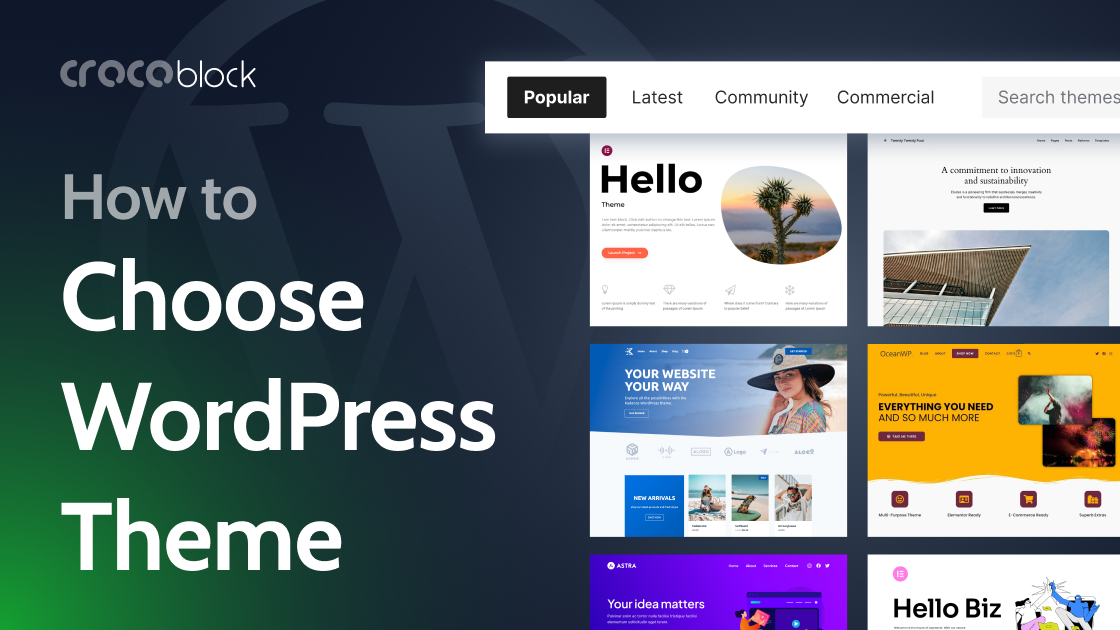
WordPress themes combine stylesheets, templates and supporting code to define a site’s layout and visual presentation. The choice also determines the editing workflow: block themes use the Site Editor and theme.json, classic themes rely on PHP templates and the Customizer, while hybrid themes combine elements of both. Page builders are separate plugins and may work with many themes.
Theme suitability depends on the site’s function. A store needs appropriate WooCommerce layouts, although plugins such as JetWooBuilder can supply shop pages and sections. Blogs, membership sites and booking services have different requirements. Poorly coded themes can add unnecessary assets, slow pages or make later changes and plugin integration difficult, creating costly dependence on one vendor’s structure.
Evaluation should cover mobile layouts, performance, compatibility and maintenance. Test menus, forms and tables on a real phone, then assess demos with PageSpeed Insights or GTmetrix; Core Web Vitals targets are LCP below 2.5 seconds, INP below 200 milliseconds and CLS below 0.1. Check for unused fonts or animation libraries, and retest with realistic content. A staging installation can confirm the editing workflow: theme.json and templates/index.html, alongside Appearance > Editor, indicate a block theme.
Author of the original text: Sujay Pawar (Crocoblock)