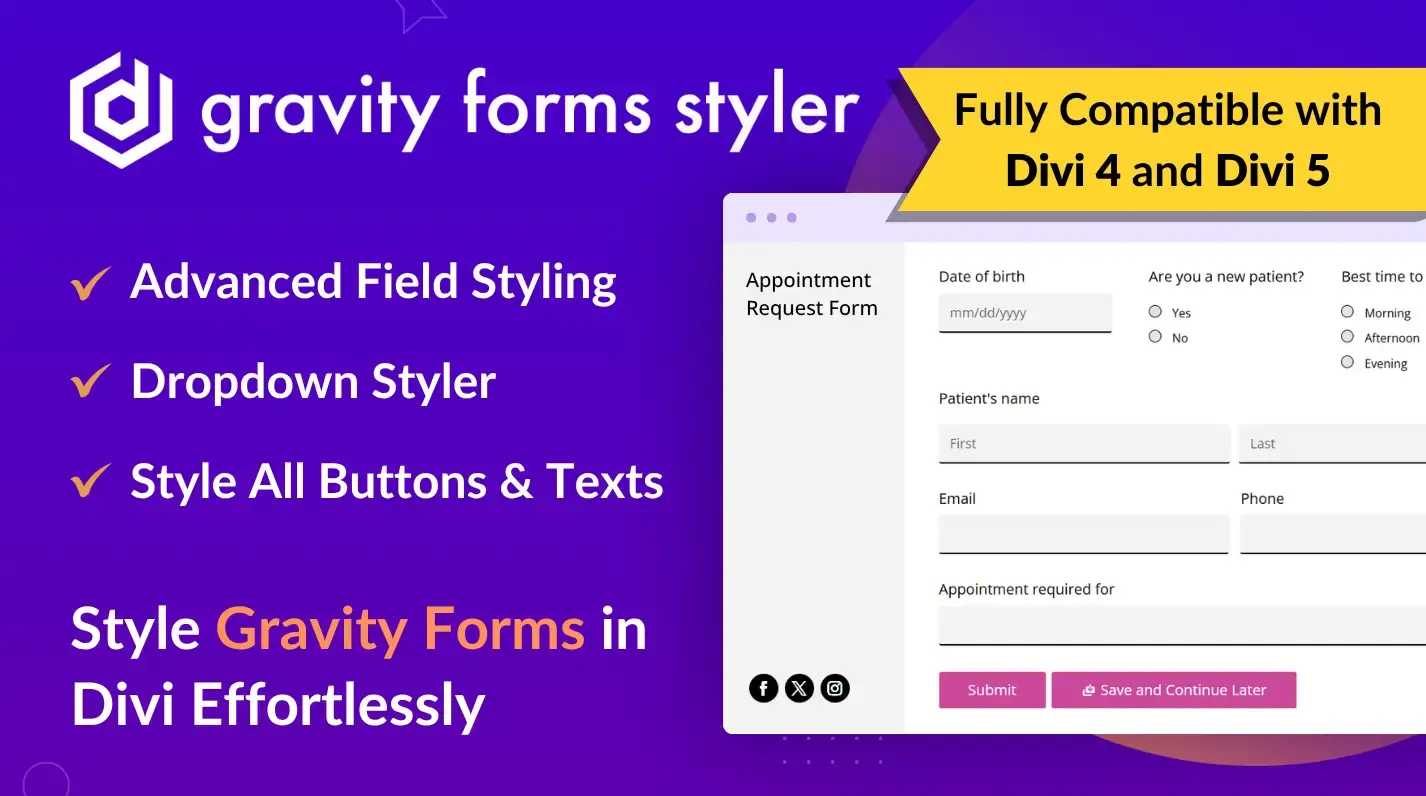
Gravity Forms Styler for Divi brings the power of Gravity Forms straight into the Divi Builder. Add a form to any page like any other Divi module, then style it visually, with no shortcodes and no custom CSS.
Add forms the Divi way
Drop the Gravity Forms Styler module into a page or post, pick the form you want from a simple dropdown, and set options like the title and description right in the module settings. There’s no need to hunt for shortcodes or jump between the front end and the Gravity Forms back end.
Style every detail visually
Design your form the same way you’d style Divi’s native contact form. Fine-tune typography, colors, spacing, margins and padding for each part of the form, and watch every change appear instantly in the real-time preview. Pixel-perfect results are possible without writing a single line of CSS.
Preview every form state
A good form looks right at every step, not just when it’s empty. Switch with one click between the default form, the validation error view and the confirmation message, so you can style them all in one place and see exactly what your visitors will see.
Start fast with premade templates
Skip the blank-canvas stage with a library of professionally designed form templates. Pick one that fits your site, adjust the colors and details to match your brand, and publish. It’s a great way to speed up client projects.
Why you’ll like it
- Works natively inside the Divi Builder, so there’s no new workflow to learn
- Cuts down on custom CSS and ongoing style maintenance
- Gives you consistent, brand-matched forms across your whole site
- Saves time on every project with ready-made designs
- Lets you try before you buy with a free live demo