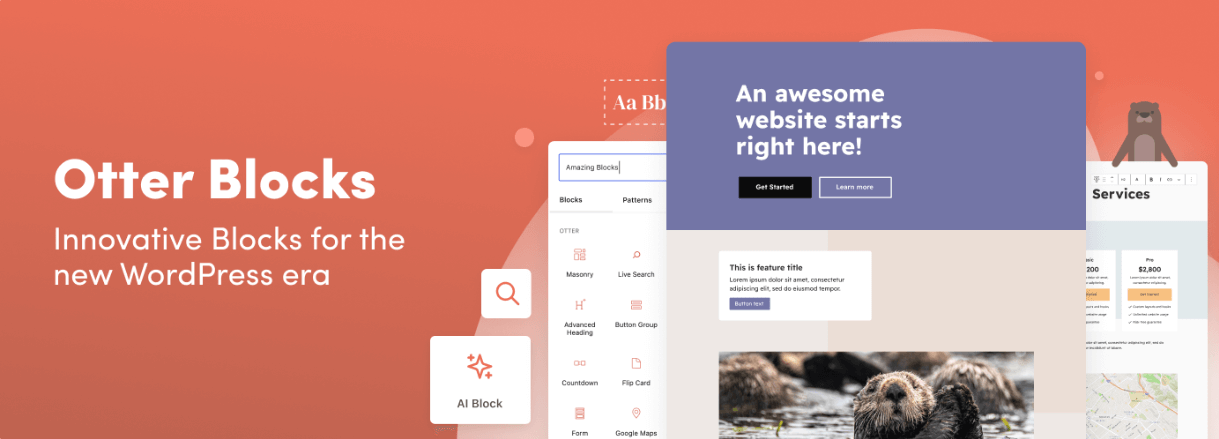
Otter Pro is a plugin that extends the native WordPress block editor (Gutenberg) with a complete set of blocks, patterns, and design tools, so you can build full pages without switching to a separate page builder or adding extra plugins.
Extra Blocks for Every Situation
Otter adds more than 30 lightweight blocks on top of the default WordPress ones, covering layout, design, content, and marketing needs. Think sections, tabs, accordions, sliders, countdowns, progress bars, icon lists, testimonials, and pricing tables. Each block only loads the CSS and JS it actually uses, so pages stay fast even with many blocks in use.
Build Pages with AI
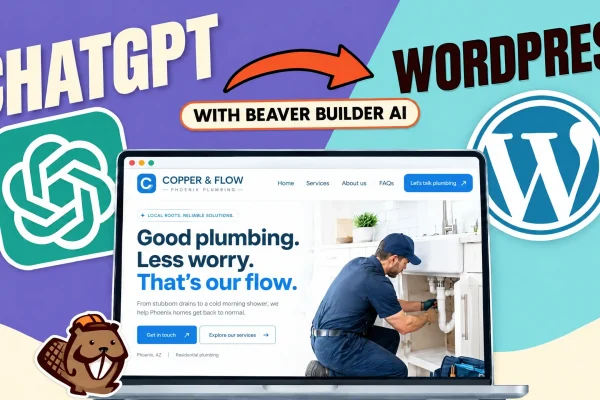
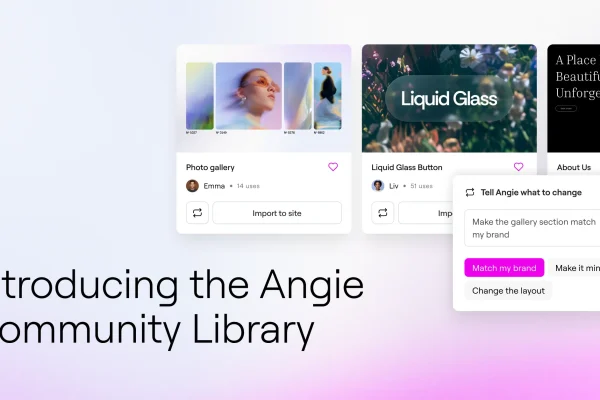
With the built-in AI Block, you can describe a section or an entire page in plain language, and Otter generates matching Gutenberg blocks that follow your site’s existing design. Every AI-generated block remains fully editable and native to Gutenberg, so there’s no lock-in. It works with OpenAI, Claude, and Gemini through the WordPress AI connector.
WooCommerce Builder
Otter Pro includes dedicated blocks for building custom WooCommerce Single Product pages, along with an Add to Cart block that can be dropped anywhere on a post or page. This makes it possible to design product pages that are tailored for conversions, without needing a separate WooCommerce page builder plugin.
Custom CSS, Right Inside the Editor
The Custom CSS feature lets you style any block directly, including media queries, colors, and borders, without leaving the block editor or touching a child theme.
Visibility Conditions
Show or hide any block based on conditions like user role, login status, post type, category, date range, WooCommerce cart contents, purchase history, or query strings. This is useful for personalizing content without extra plugins.
Animations
Add motion to any block with 55+ built-in animation effects, including fading, sliding, zooming, flipping, and bouncing, all configurable without writing a single line of code.
Premium (PRO) Blocks
Upgrading to Otter Pro unlocks additional blocks and features, including:
- Modal Block for popups, forms, and announcements
- Extended Live Search with real-time results
- Business Hours Block
- Product Review Comparison Table
- Full WooCommerce Builder Blocks suite
Why Choose Otter Pro?
Otter Pro is built by the team behind the popular Neve theme and is trusted by over 300,000 websites. It’s designed to work with any block-editor-compatible theme, requires no coding knowledge, and comes with a 30-day money-back guarantee.